
Truevista Digital Calendar
£399.00 GBP
£539.00 GBP
Save £140.00 GBP
Quantity
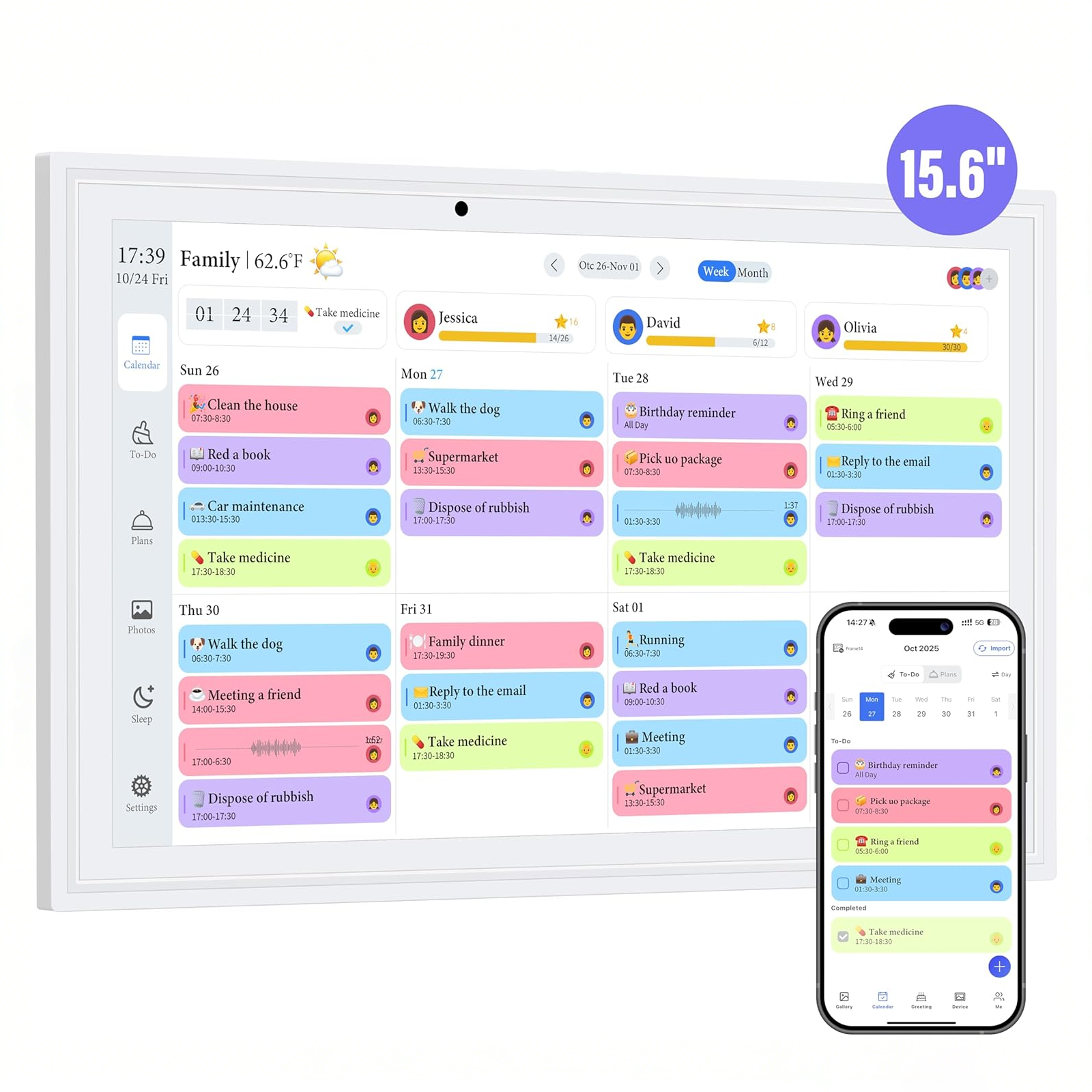
- 15.6" Extra-Large HD Display – Bold, easy-to-read text visible from across the room, reducing eye strain.
- Full Day & Date Display – Shows Today, Monday, and the full date clearly to avoid confusion.
- Alarm & Reminder Function – Set alerts for medications, appointments, and daily routines.
- Auto Dimming Brightness – Bright during the day, soft at night without disturbing sleep.
- User-Friendly Interface – Large text and simple controls for easy setup and use.
- Accurate Timekeeping – Keeps precise time without frequent adjustments.
- Power Outage Memory – Saves settings during power interruptions.
- Multiple Placement Options – Ideal for bedrooms, living rooms, offices, and care spaces.
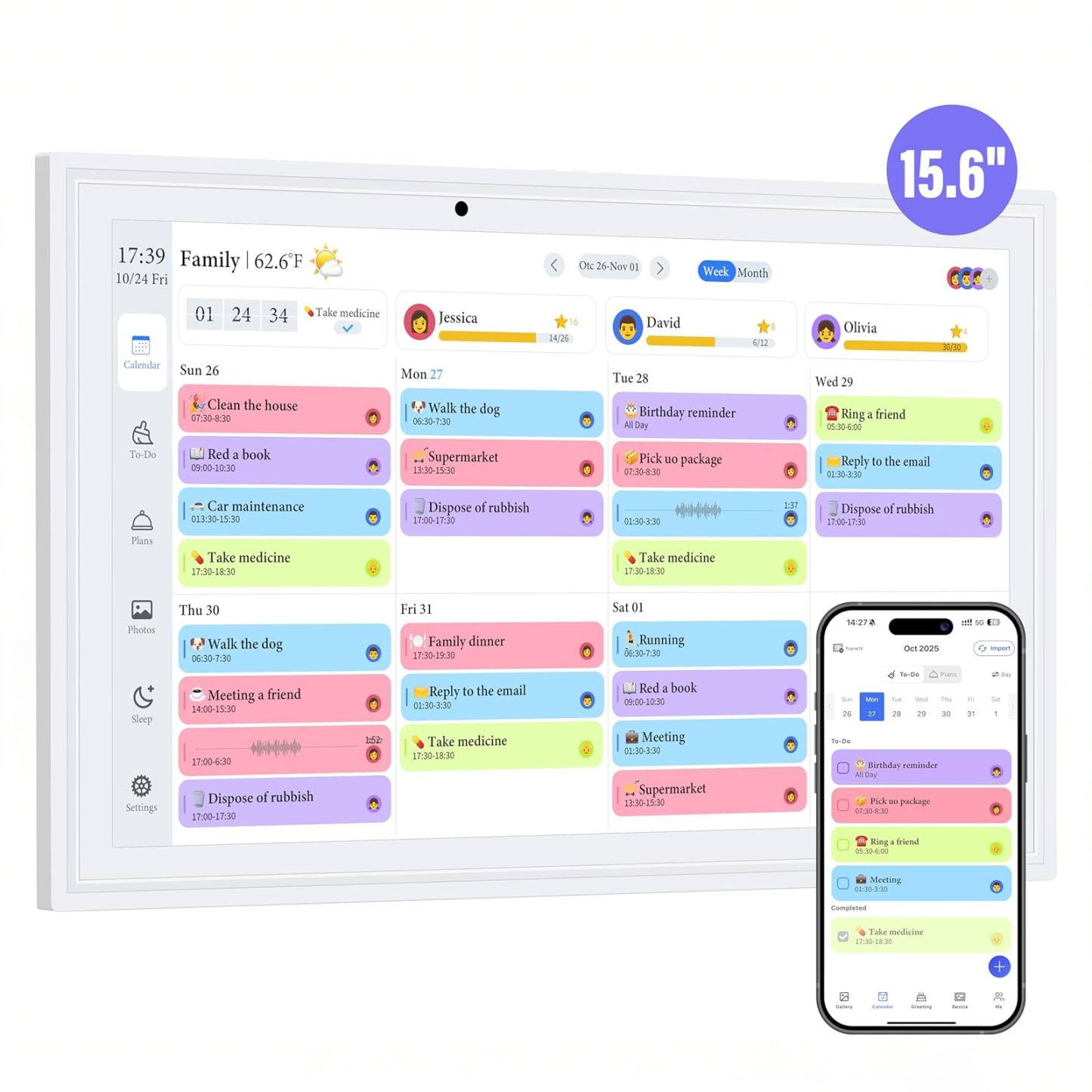


Join Millions Who Rely on Truevista Digital Calendars to Keep Their Days Organized
⭐⭐⭐⭐⭐4.8 rating based on total orders
Truevista Delivers Unmatched Reliability for Every Day You Plan
Truevista Delivers Unmatched Reliability for Every Day You Plan
 Countdown & Task Timer
Activity & Routine Tracking
Multi-Device Event Sync
Smart Display Adaptation
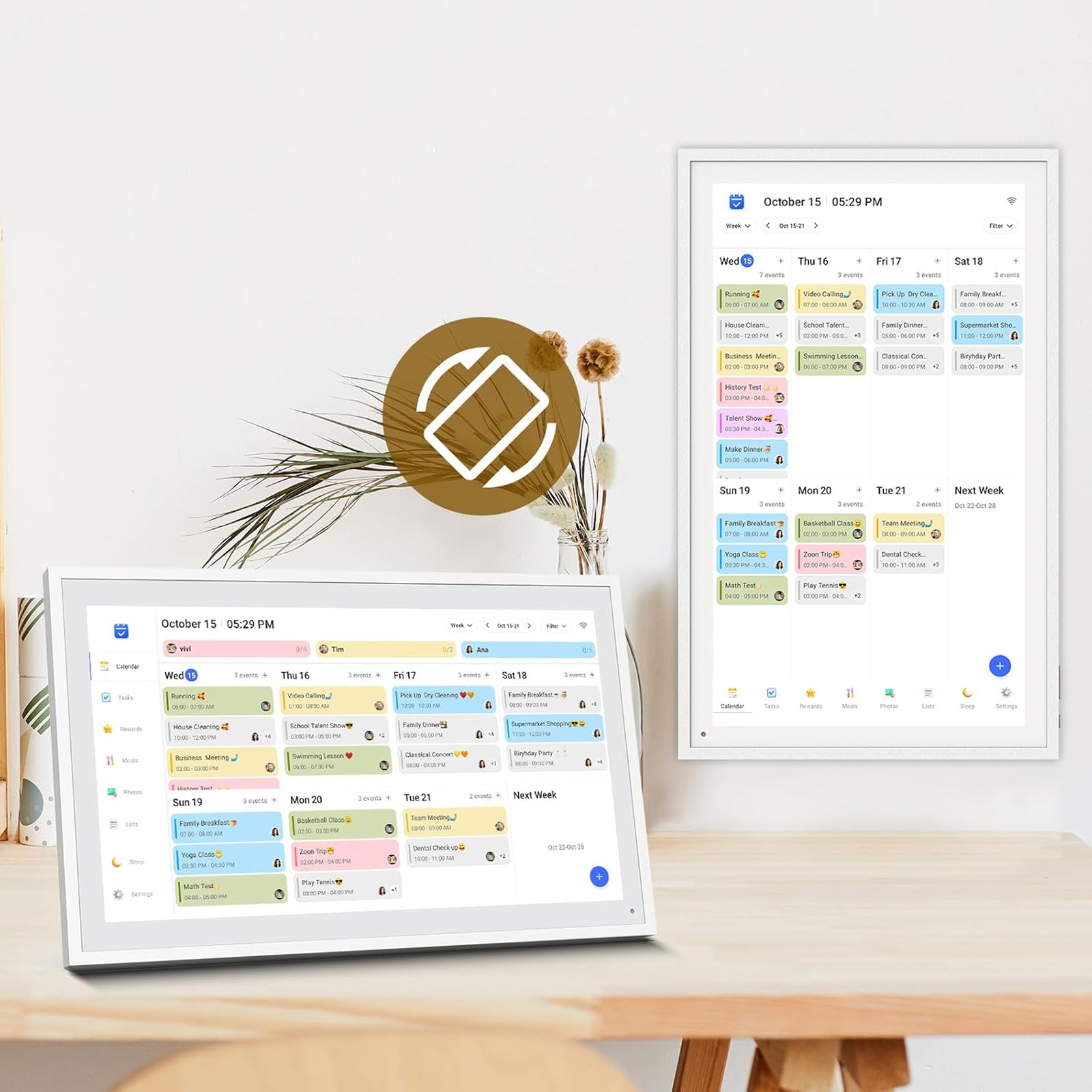
Countdown & Task Timer Activity & Routine Tracking Multi-Device Event Sync Smart Display Adaptation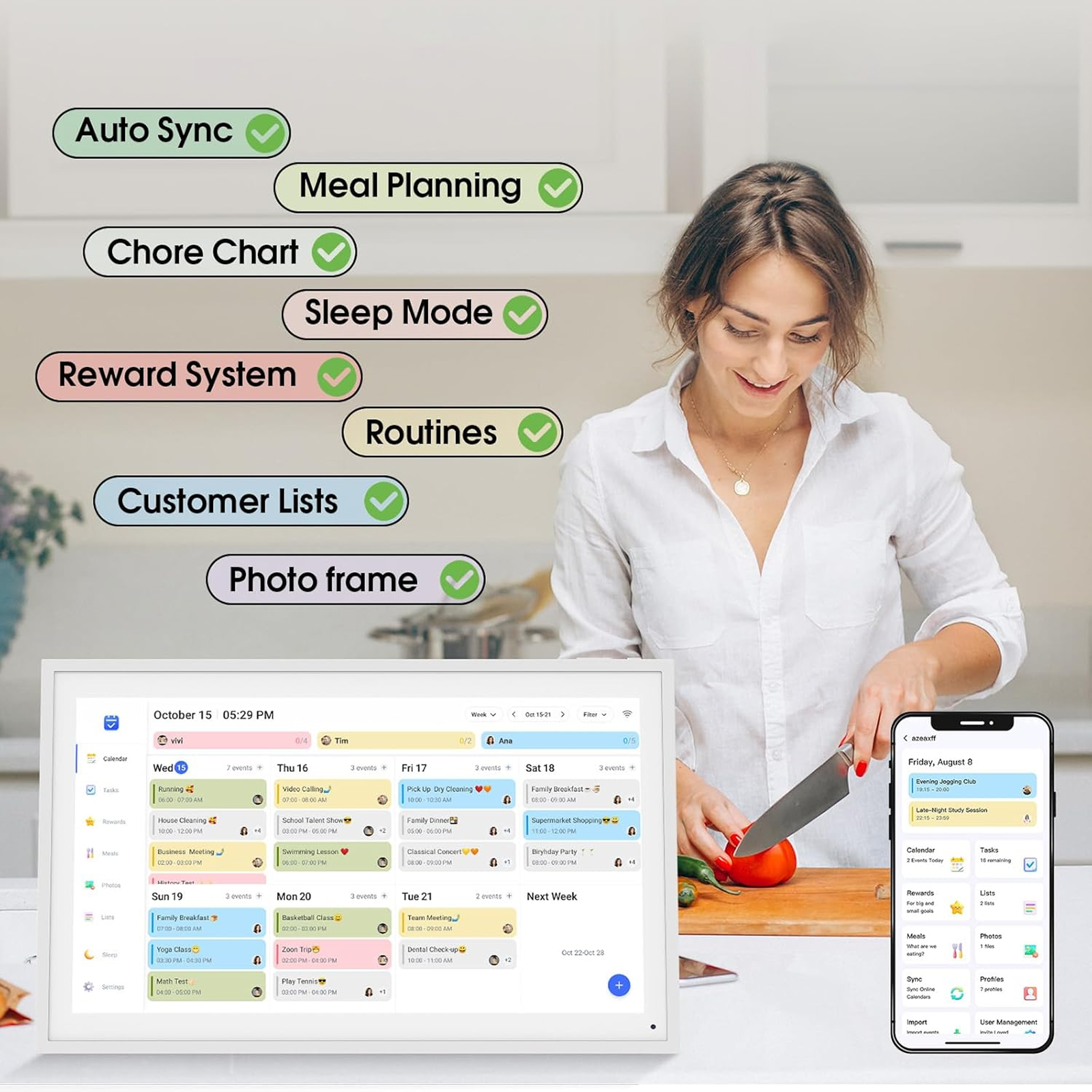
Your Daily Schedule, Clearly Displayed
Take control of your day with a digital calendar that keeps everything in one place. From time and date to alarms, reminders, and daily schedules, this all-in-one solution helps you stay organized effortlessly. With a large 15.6" display, automatic brightness adjustment, and intuitive interface, you’ll never miss a meeting, medication, or special moment. Perfect for bedrooms, offices, or kitchens, it turns everyday chaos into calm, organized living.
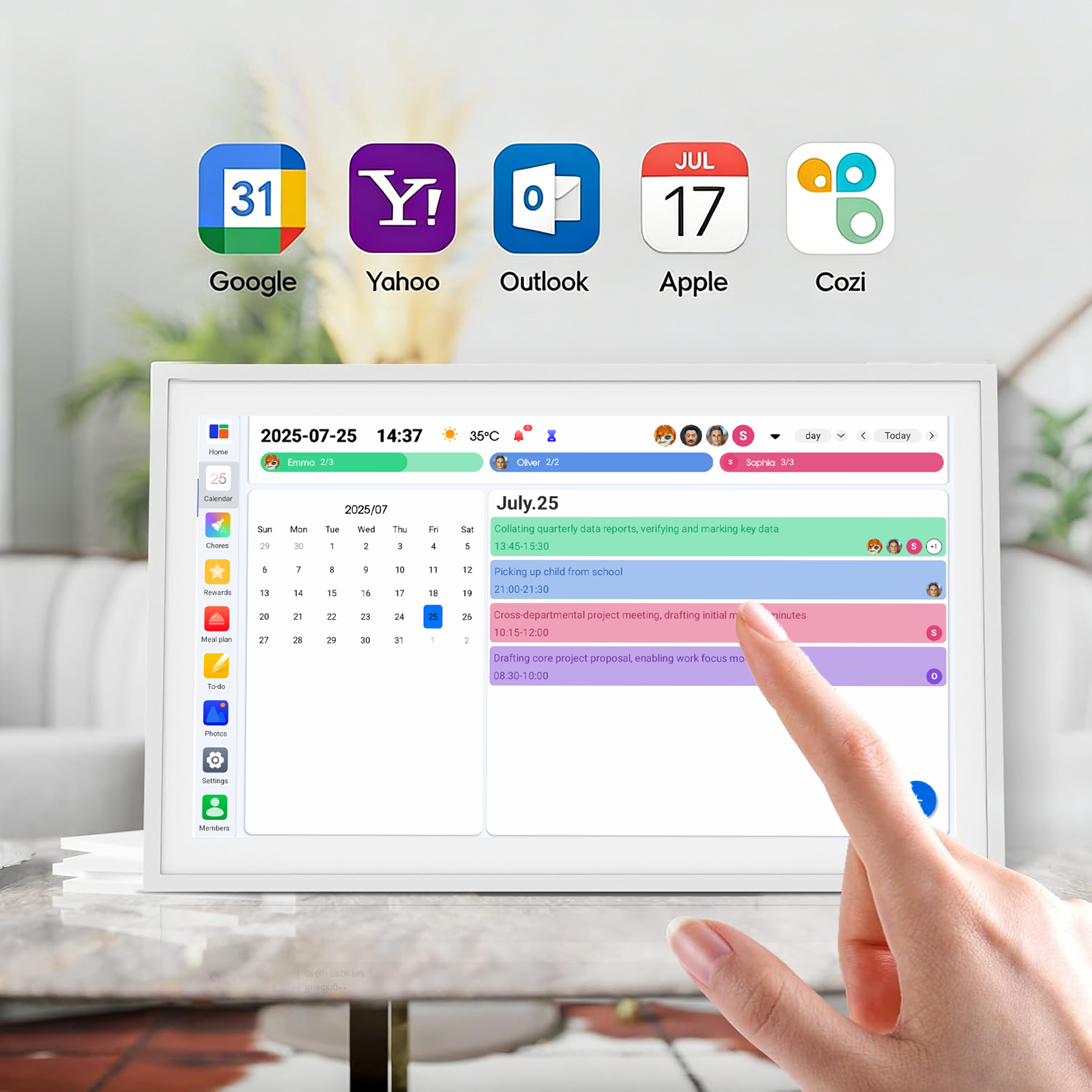
Extra-Large 15.6" Display
The 15.6" screen offers a wide, easy-to-see layout, perfect for any room. Its clean, uncluttered design lets multiple people quickly view time and key information from across the room. Ideal for living rooms, kitchens, or offices, this large display enhances visibility without adding clutter, making shared spaces more functional and organized.
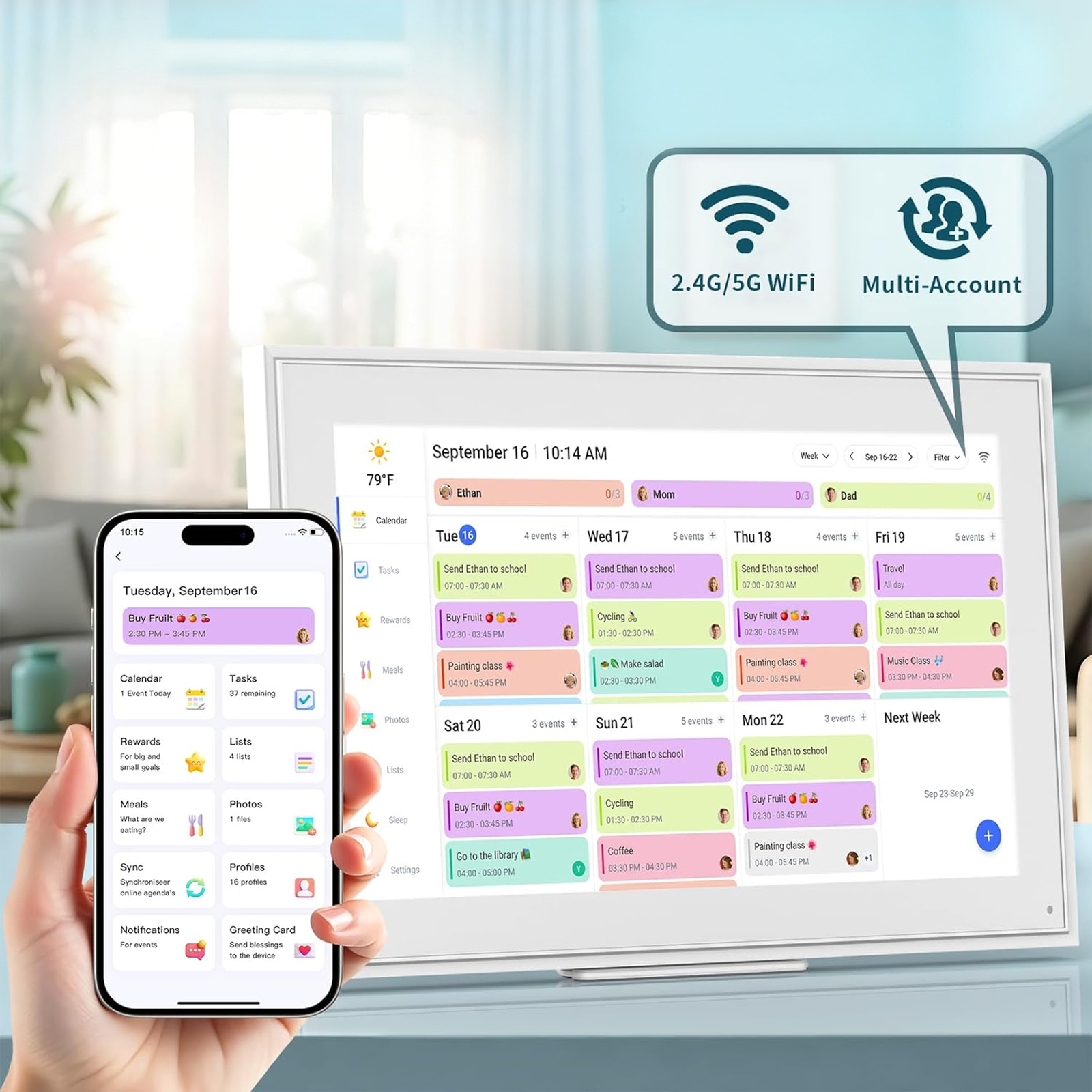
Stay Synced with Everyone
Connect multiple smartphones to your digital calendar and keep everyone on the same page. Whether it’s family members coordinating schedules or roommates sharing reminders, each user can sync events and notifications directly to the calendar. Effortless setup and intuitive controls make managing shared plans simple and stress-free, so no one misses important moments.
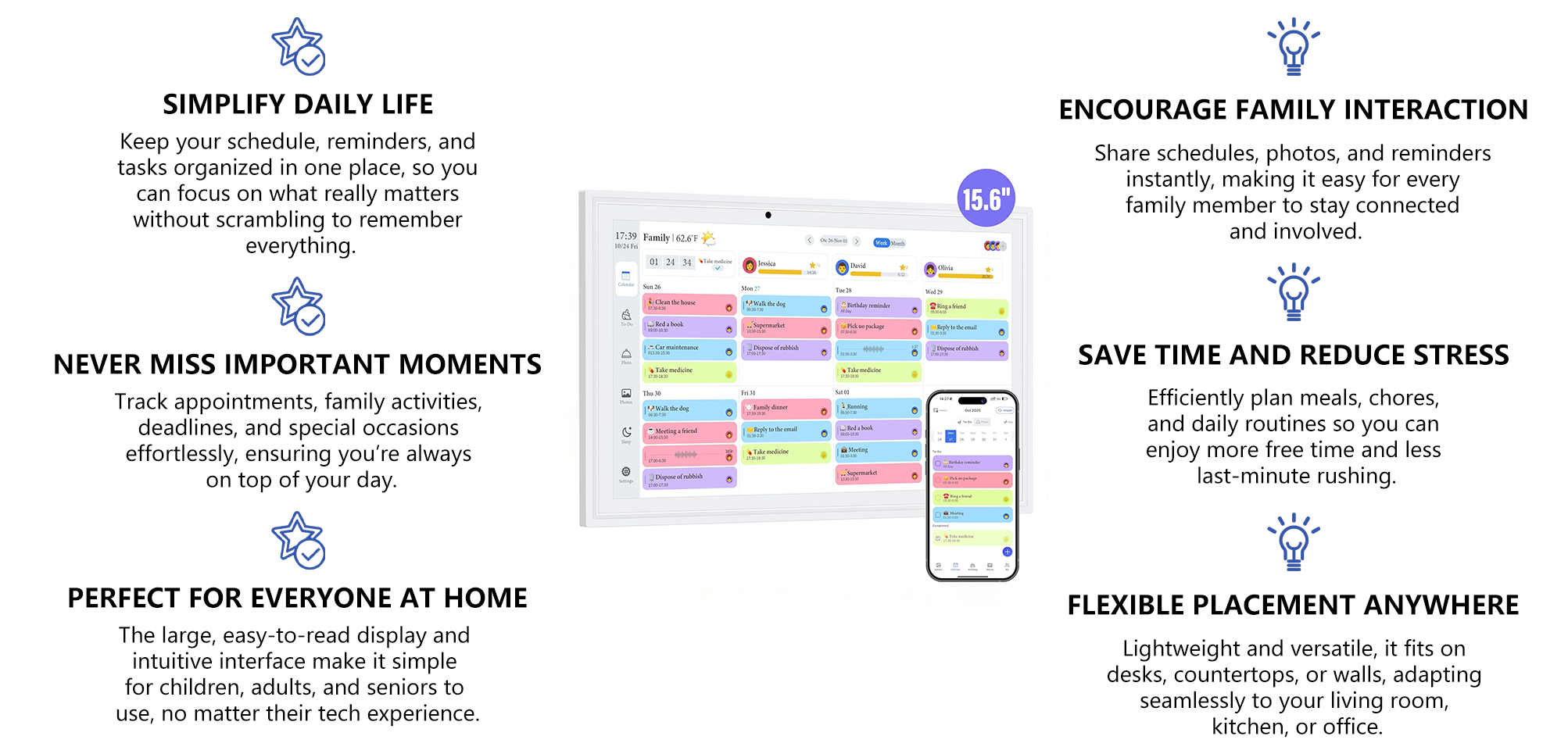
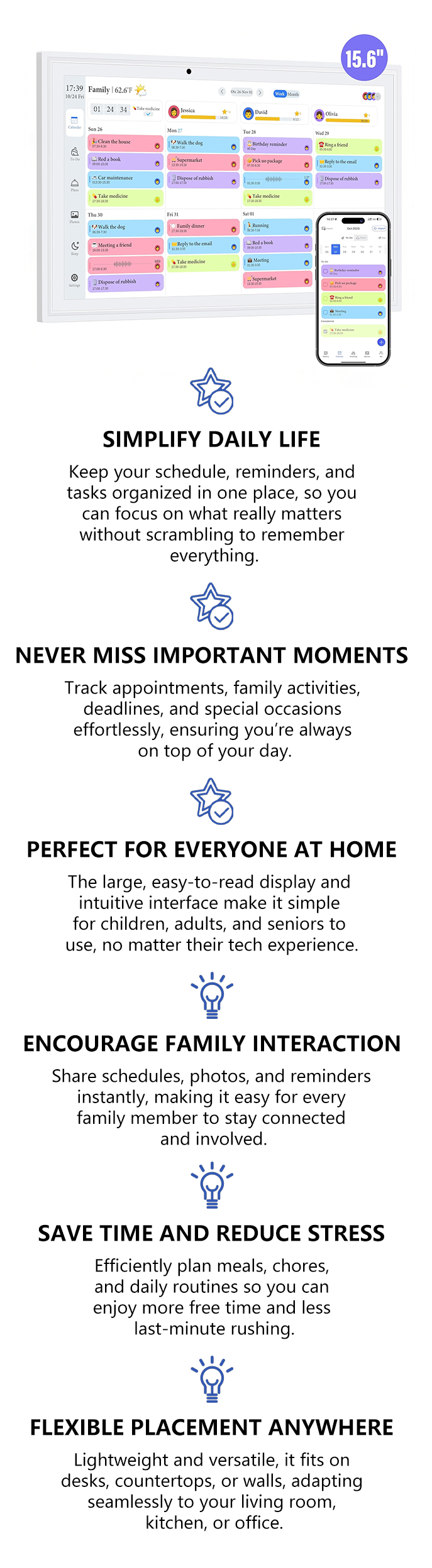
Why Choose Truevista?
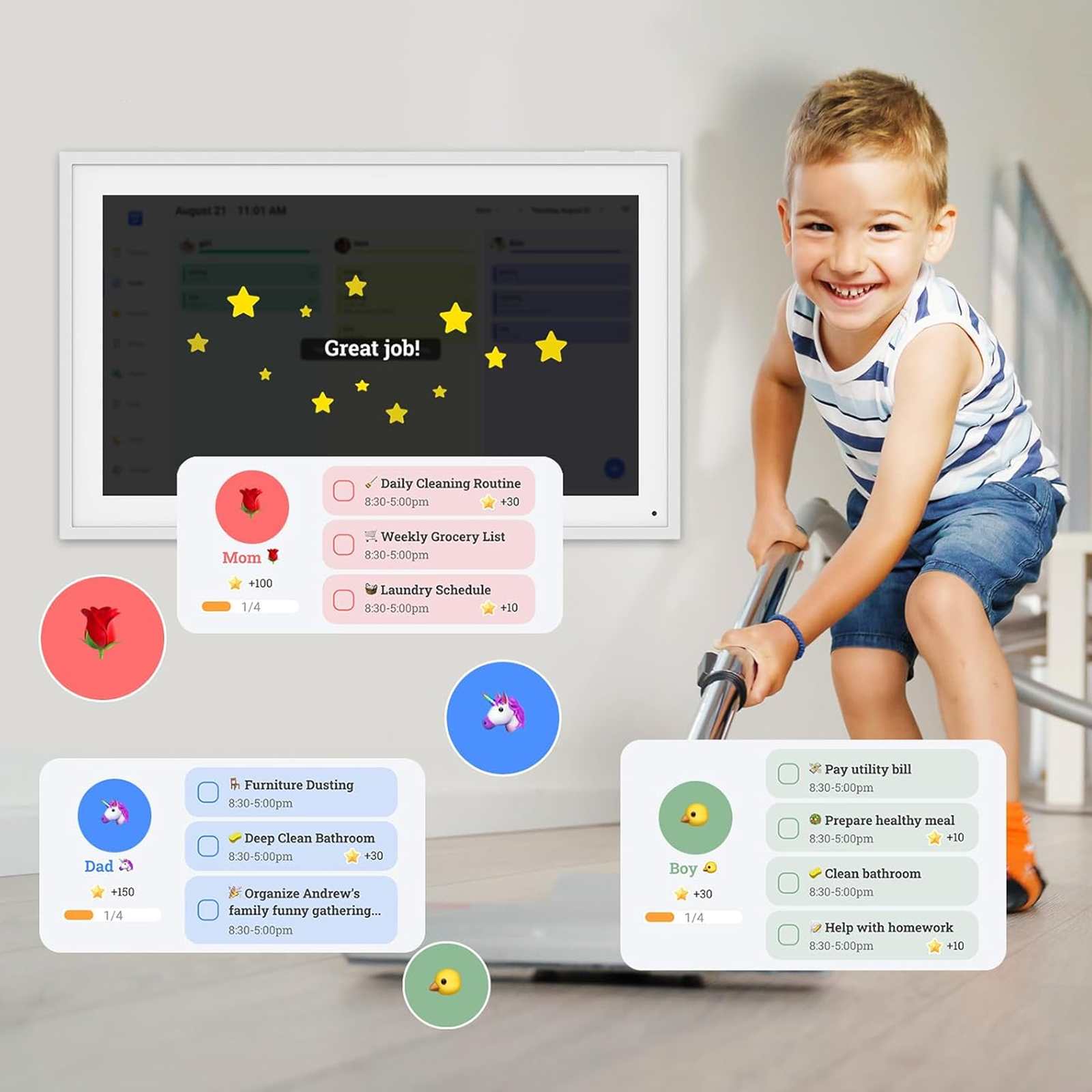
Make Daily Tasks Fun for Kids
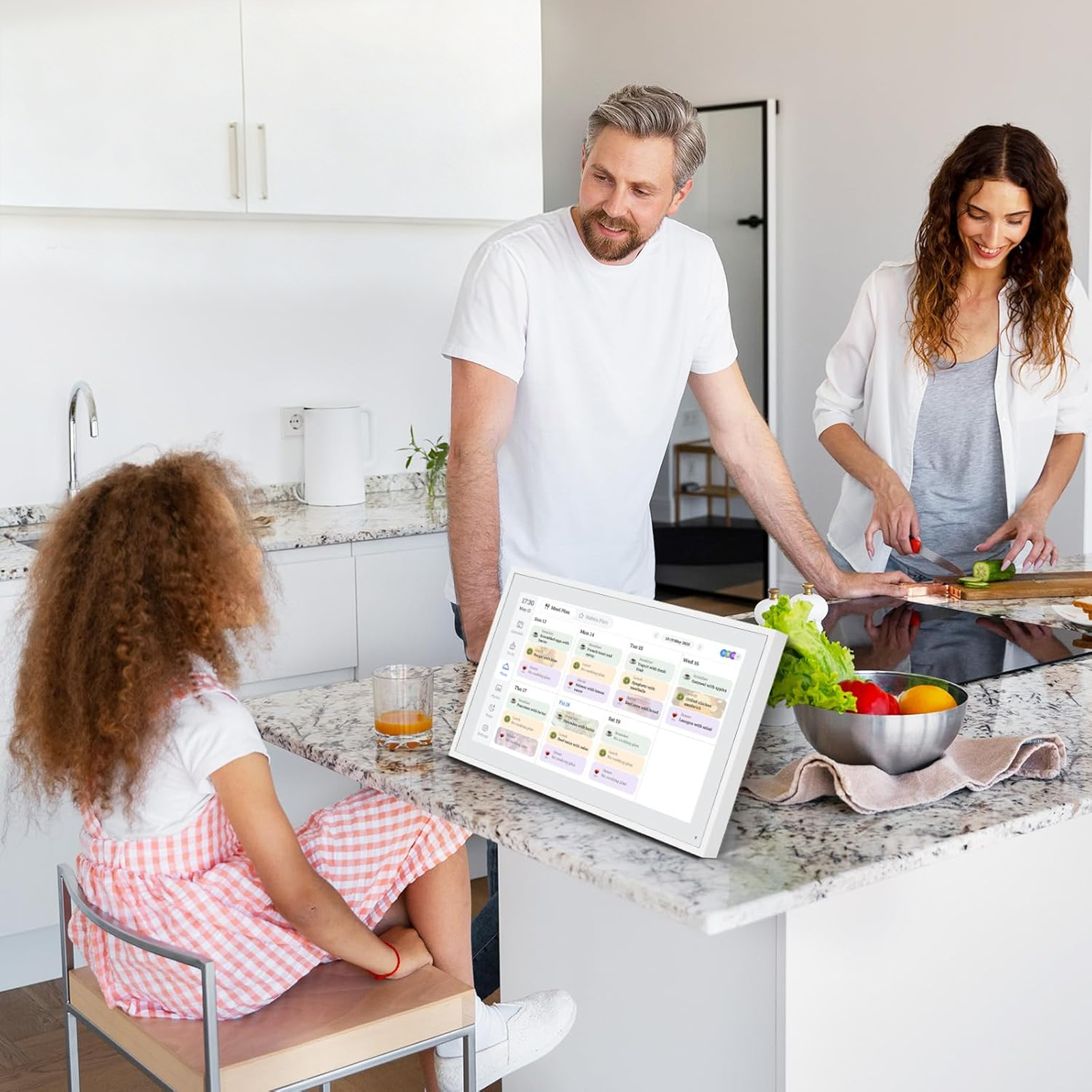
Smart Meal & Ingredient Planner
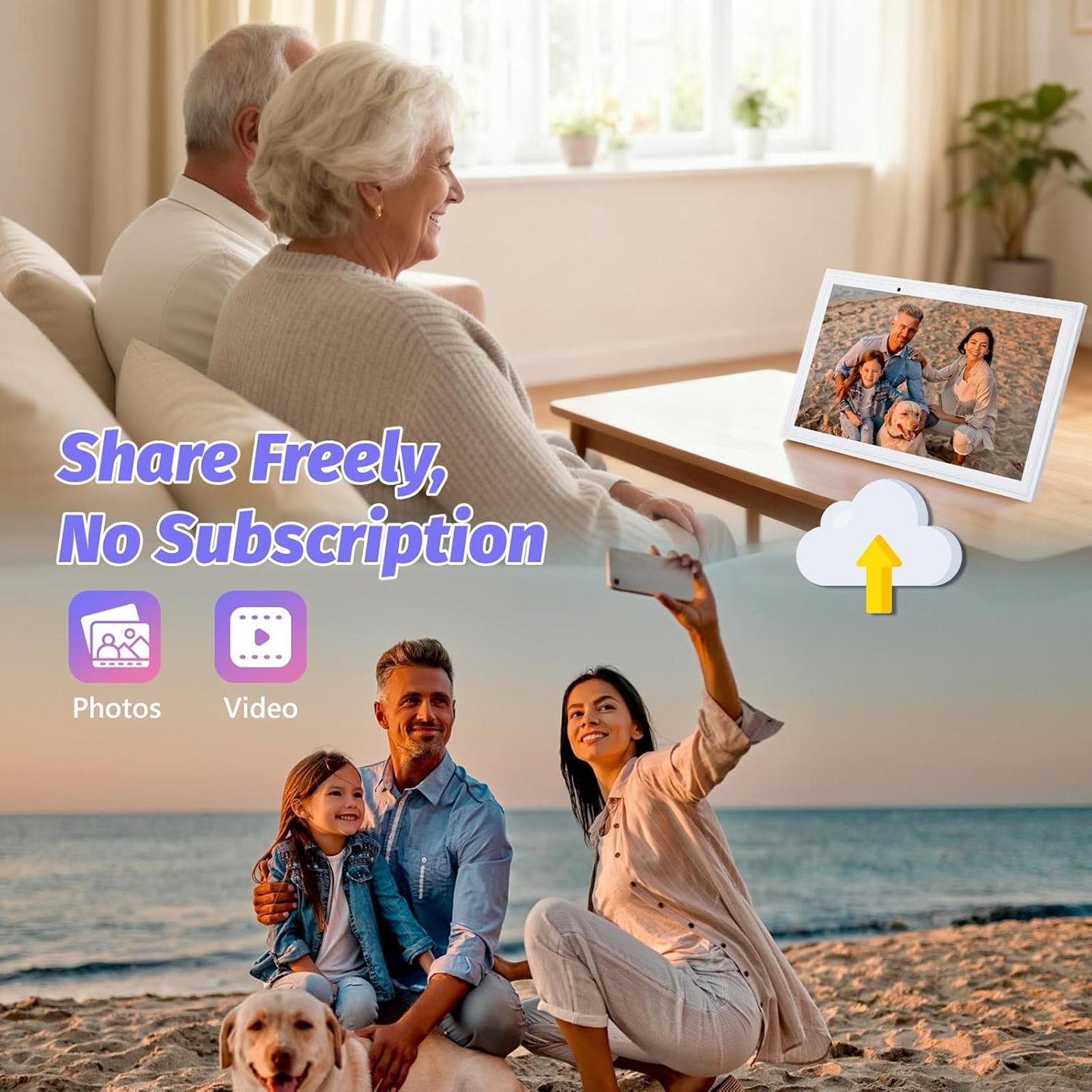
Capture and Share Memories in Real Time
Frequently Asked Questions
Our customer support is available Monday to Friday
Average answer time: 24h
Average answer time: 24h
Can children or elderly family members use this calendar easily?
How do I update events or reminders from my phone?
Can I move the calendar between rooms?
Does it require an internet connection to work?
How often do I need to charge or plug it in?